Minitab Project The Minitab Project requires performing specified data analysis parts given below on your
Minitab Project
The Minitab Project requires performing specified data analysis parts given below on your own data set, preferably from your work setting. Your data set can consist of a mix of quantitative variables and qualitative variables and atleast 50 rows of measurements on these variables. A sample data set is enclosed for your reference. However, if all of your variables are quantitative, that is acceptable too. Please do each part (e.g. parts 1,2,3,4 etc. given below) on a separate sheet. Be systematic and neat in your project work. Interpretation of results in the context of your data set is very important. The project report should include all the required printouts and analysis necessary for each part.
Please do the following parts on your data set:
-
. Input the data using Minitab and save it in a file. Print and attach the printout in the report.
Descriptive Statistics: Graphical Technique - Construct a frequency histogram for any two quantitative variables. Use 8-classes for developing the histograms. Attach the printout in the report. Interpret the information that the bars in the histograms provide about the variables in the context of your data.
-
Construct a box plot for any one variable. Attach the printout in the report. Interpret the box plot in the context of your data.
Descriptive Statistics: Numerical Technique -
Run descriptive statistics on any two quantitative variables. Attach the printout in the report.
Interpret the mean and the standard deviation for each variable.
Test of Hypothesis -
Perform test of hypothesis on any one of the variables that you used in Part 4. Note hypothesis test will require the MEAN and STANDARD DEVIATION values which you already have from the descriptive statistics in part (4) on this variable. The null hypothesis for this variable should be:
Ho: μ Avariable name@ = Aselect an appropriate value@ at 98% confidence level. (Note it is a 2-tail test). (Hint: the mean value from descriptive statistics in part 4 is . Selecting the appropriate value should not be the same as value but a value that you want to test for the population mean). The conclusion of the test must be written in the context of your scenario.
I want you to do the hypothesis test both by hand (show all the 5-steps) and then by using Minitab which gives you the p-value. Now use this p-value to reach your Decision and Conclusion.
Simple Linear Regression -
Develop a Simple Linear Regression Model using an appropriate dependent variable (Y) and an appropriate independent variable (X) using Minitab and attach the printout in your report.
Interpret β 0 and β 1 in the context of this problem. - From the printout in part (6), what can you say about the usefulness of the developed simple regression model (Hint: Do hypothesis test for β 1 ). Write conclusion in context of your scenario.
-
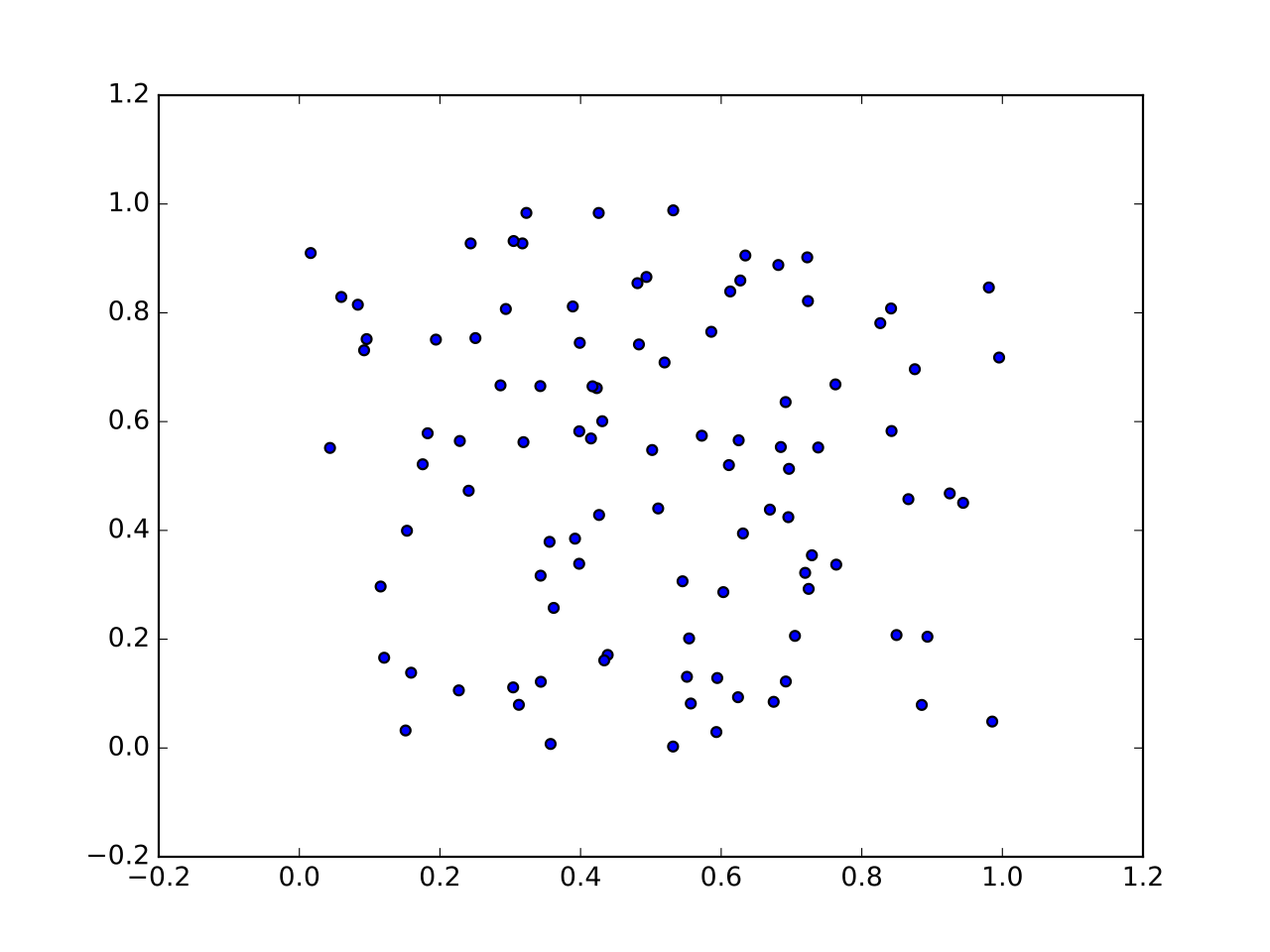
Using Minitab, get the scatter plot between random error (also called residuals) and the independent variable, X, and visually check for the LINE assumptions. Note check for each of the LINE assumptions individually.
Multiple Regression Model - Develop a Multiple Regression Model using an appropriate dependent variable (Y) and a few independent variables (X) using Minitab and attach the printout in your report. From the printout, write down your full multiple regression model.
- From the printout, test for the global usefulness of the multiple regression model. Also do partial test for usefulness of any one independent variable in predicting the dependent variable.
- Interpret the R 2 value in the printout in the context of your scenario.
- Use the Multiple Regression Model to predict the mean Y and individual Y for any one set of X values. (Note: here prediction for the population implies giving me an interval – upper limit and lower limit – for mean Y and individual Y, and not just one value). Interpret the intervals in the context of your scenario.
Deliverable: Word Document

-
![[Solution] Use the file P:/rconti/SPSS Files/GSS02PFP-A.sav (can](data:image/svg+xml,%3Csvg%20xmlns='http://www.w3.org/2000/svg'%20viewBox='0%200%20150%20150'%3E%3C/svg%3E "[Solution] Use the file P:/rconti/SPSS Files/GSS02PFP-A.sav (can") [Solution] Use the file P:/rconti/SPSS Files/GSS02PFP-A.sav (can
[Solution] Use the file P:/rconti/SPSS Files/GSS02PFP-A.sav (can
-
[See Solution] 1a) Researchers are interested in finding out the
-
[All Steps] The first part of your assignment is to record the
-
[Solution] SPSS Skills Assignment 3 Applying the skills you have
-
(Solved) THE BOND MARKET Early in 1982 Judy Johnson, Vice-President
-
Multiple Correlation Coefficient Calculator - MathCracker.com
![[Solution] Use the file P:/rconti/SPSS Files/GSS02PFP-A.sav (can](/images/solutions/MC-solution-library-81214.jpg "[Solution] Use the file P:/rconti/SPSS Files/GSS02PFP-A.sav (can")
![[See Solution] 1a) Researchers are interested in](/images/solutions/MC-solution-library-81215.jpg "[See Solution] 1a) Researchers are interested in finding out the")
![[All Steps] The first part of your](/images/solutions/MC-solution-library-81216.jpg "[All Steps] The first part of your assignment is to record the")
![[Solution] SPSS Skills Assignment 3 Applying the](/images/solutions/MC-solution-library-81217.jpg "[Solution] SPSS Skills Assignment 3 Applying the skills you have")